Free Auto Clicker is a great tool for automating mouse clicks. It is easy to use and allows you to quickly record patterns of your mouse movements and save them for later use. You can also customize the intervals of time between mouse clicks and import and export recorded patterns. Overall, it is an excellent tool for automating mouse clicks and making repetitive tasks easier.
This program does exactly what its name implies: automatically completes mouse click actions on your desktop at no cost. The utility provides you with easy-to-configure settings, lets you import and export the recording results with just a few clicks, and uses minimum CPU resources.
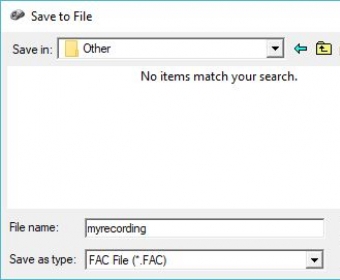
You can set the preferred interval of time for the mouse clicks, hit the Space key to record the current position of your mouse cursor, stop the playback after an indicated amount of time, etc. Once you're happy with the results, you can export them to your local directories and use them later to automatically perform mouse click tasks on your desktop.
In my testing, the program worked flawlessly. It immediately replicated the indicated actions, without slowing down the performance of other running utilities.
Only two things bother me about this tool: it doesn't support middle clicks and the fact that it doesn't offer you the option to edit the imported recordings.
Still, Free Auto Clicker comes without a price tag and works without any problems. I'd say it's worth giving it a try.





Comments (1)